
Sloper doesn’t just track your climbs, it transforms them into a complete picture of your progress and potential.
Log sessions, link climbs to projects, track milestones, compete with friends, and see your progress with powerful analytics.


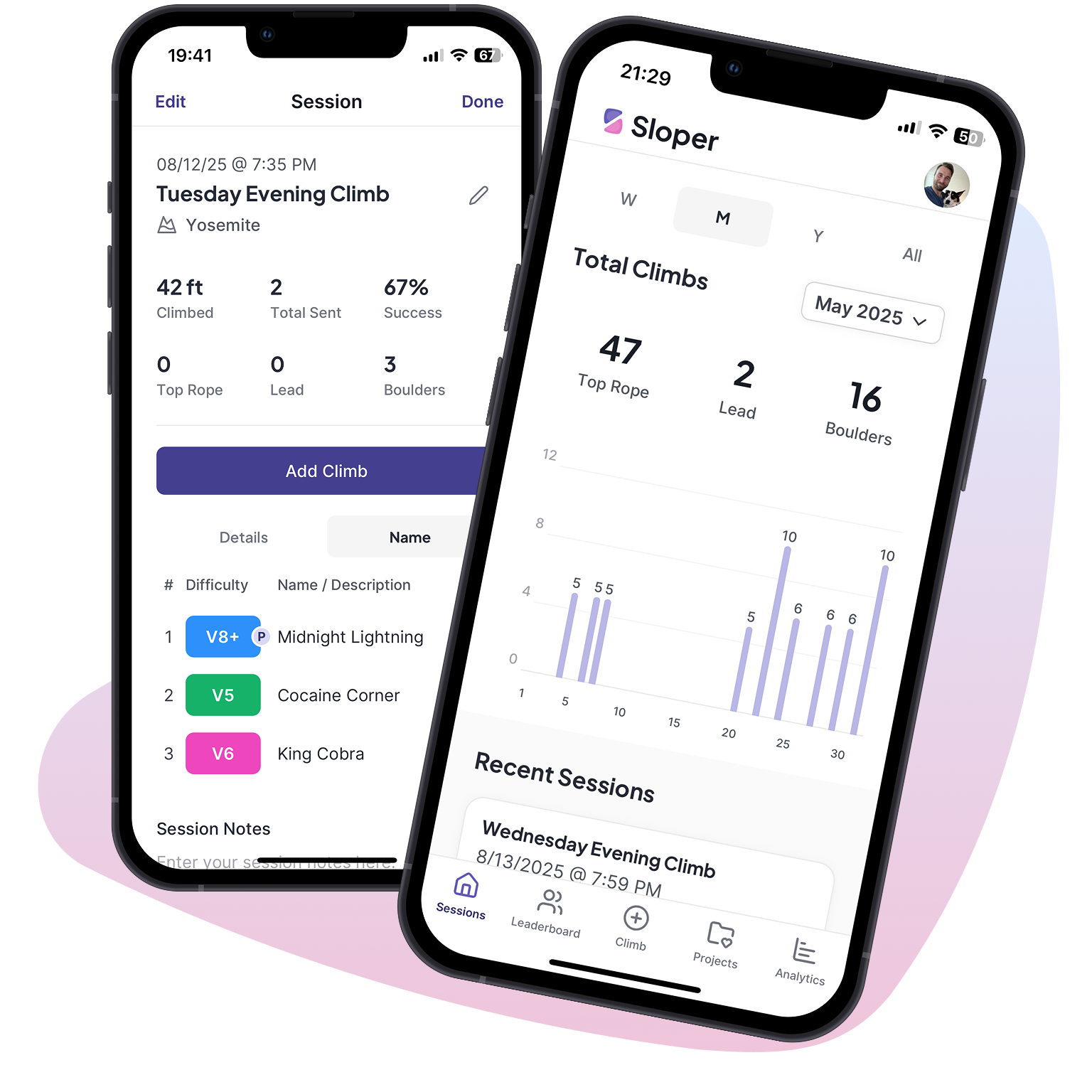
Unlock your full climbing potential with Sloper.


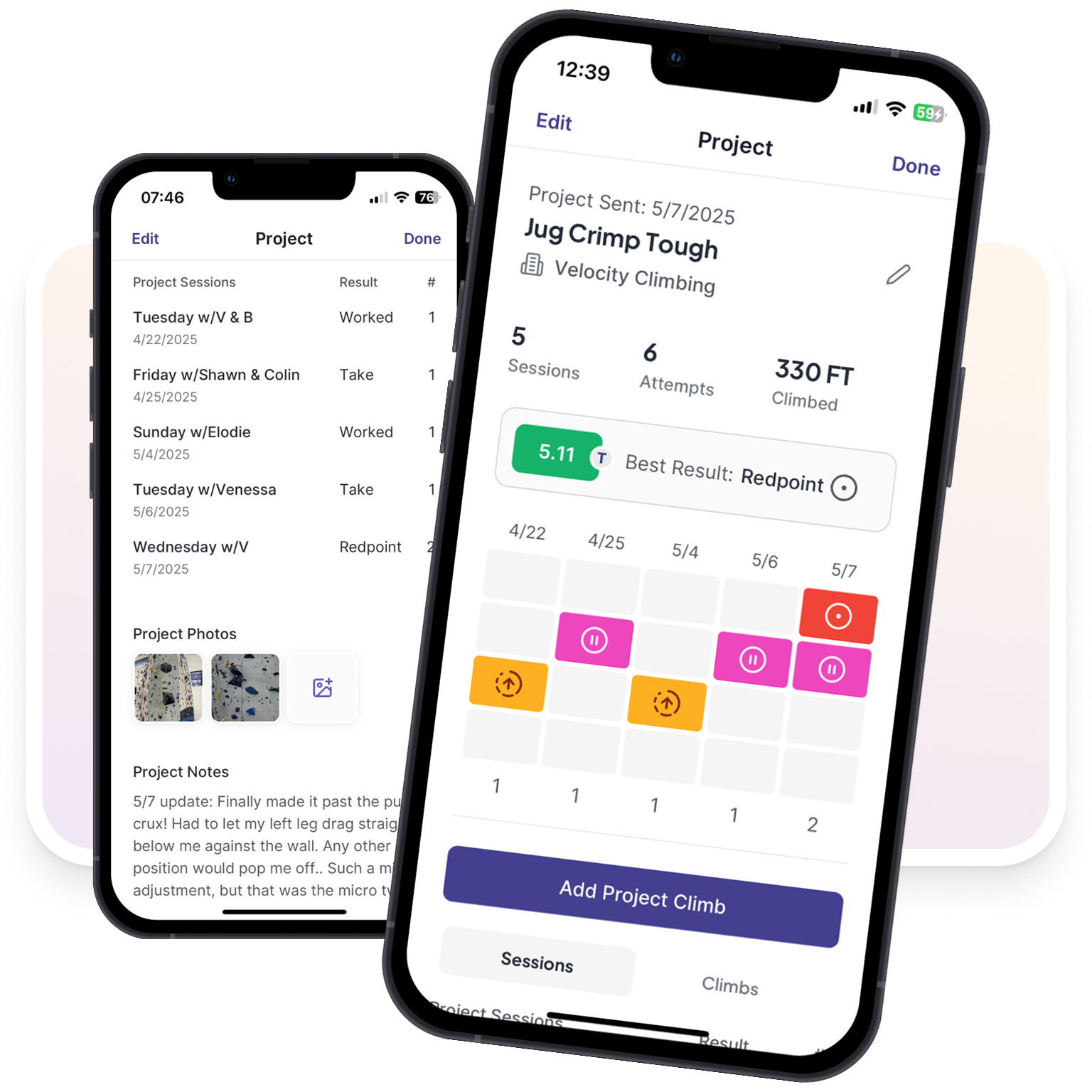
Projects allow you to link climbs across sessions, track every effort, and watch your progress build over time. Name your projects, add notes and photos, and celebrate every climb from first try to final send.
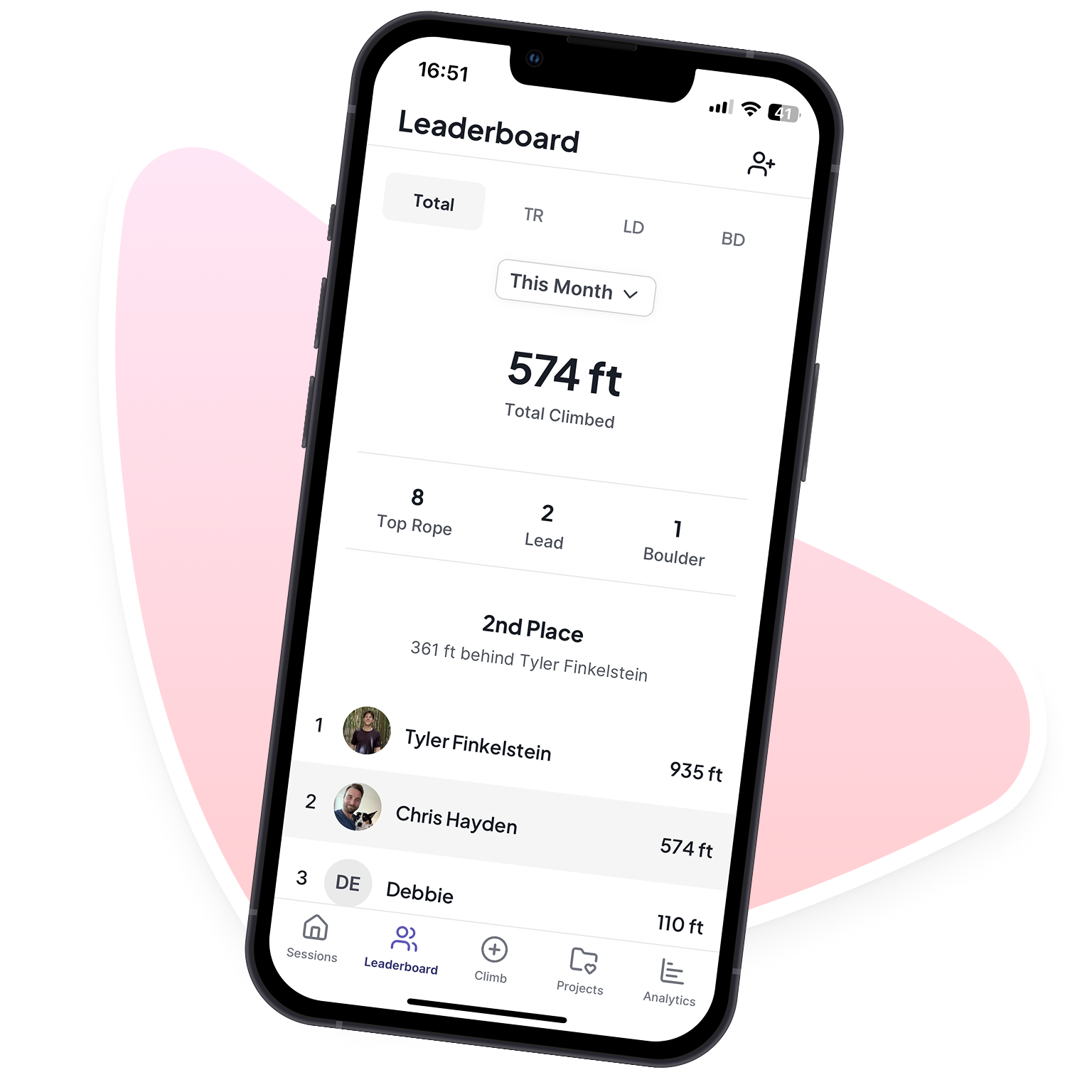
Compare progress across climb types, height, and styles. Celebrate wins, chase new goals, and push each other higher—because climbing is better when you're climbing together.
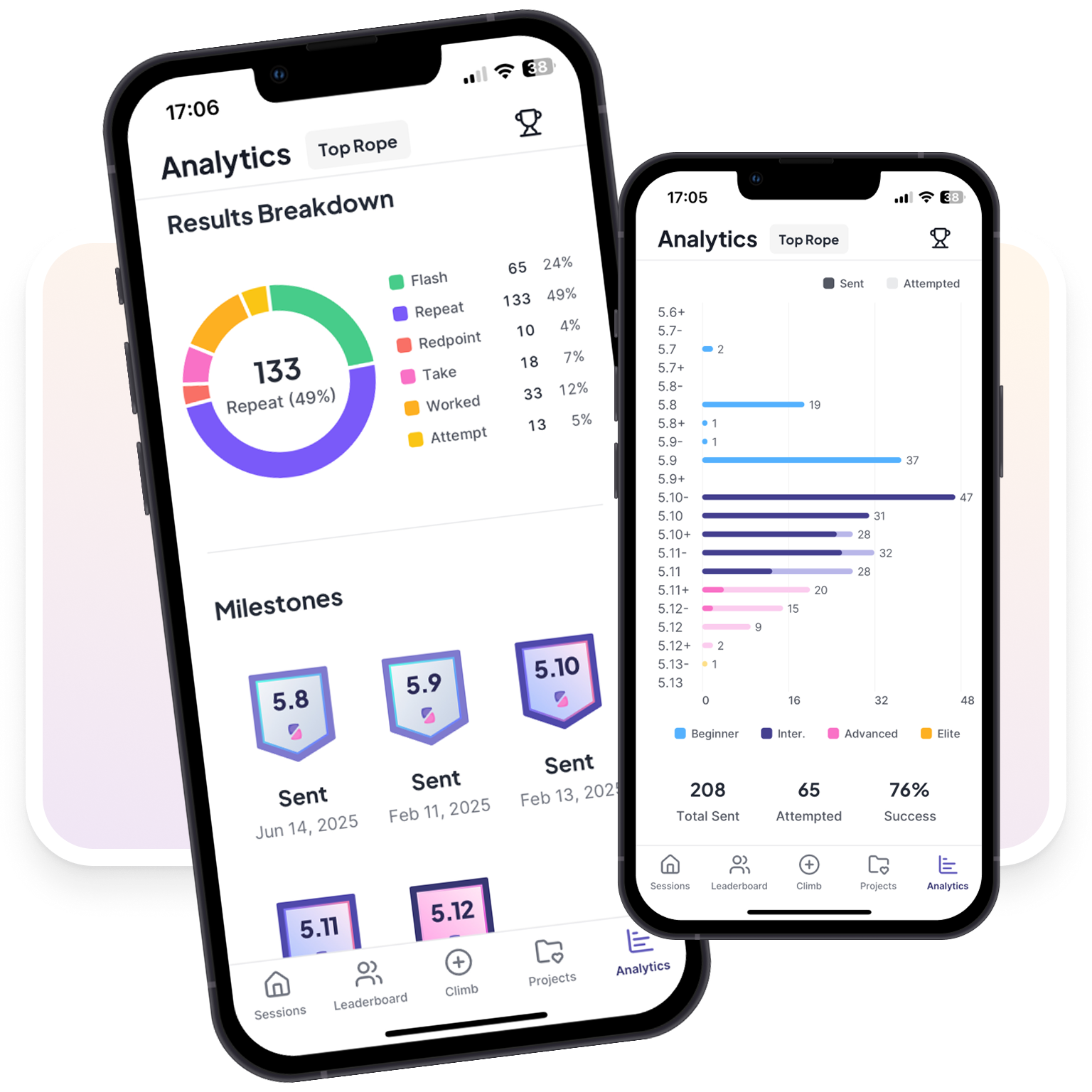
Spot trends with grade pyramids, climb breakdowns, and detailed performance charts. Filter by type, location, or time period to focus your training where it matters most.
Whether you're a beginner or a seasoned climber, Sloper helps you see exactly where you're improving and where to focus your training, so you can climb smarter and reach your goals faster.

Yes! Sloper offers a completely Free Version that lets you track your climbs and sessions without paying a cent. You can log boulders, routes, indoor and outdoor climbs, link climbs to projects, and review your climbing history anytime. Leaderboards are also now available in the Free Version. If you want access to advanced features like performance analytics and project tracking, you can upgrade to Sloper Premium.
Sloper Premium unlocks advanced tools to help you climb smarter, including: Project tracking, Apple Health Integration (Heart Rate metrics and charts), detailed performance
analytics, and achievement tracking for milestones and personal bests.
All new users get a 14-day free trial with full access to every premium feature — no payment required.
After your trial, choose a weekly plan ($1.99/week), monthly plan ($4.99/month), or annual plan
($49.99/year).
Sloper is a subscription-based app available on the Apple App Store and Google Play Store. New subscriptions are billed through Stripe, meaning payments, renewals, and cancellations are managed within the app from your account settings. Some existing subscribers may have subscriptions managed through Apple, which can be managed in your App Store settings.
If you cancel Premium, you’ll keep access to Premium features until the end of your current billing period. After that, your account automatically reverts to the free version with basic features — you’ll still have all your climb history and session logs, but Premium-only features like project tracking and analytics will be locked until you resubscribe.
Yes! If you resubscribe, all of your climb history and logged sessions will still be there—unless you have previously requested to delete your account.
You can switch between weekly, monthly, and annual plans anytime from your subscription settings within the app. If you have an existing Apple subscription, you can manage it in your App Store settings.
You can cancel your subscription at any time from your account settings in the app. After canceling, you’ll keep access to Premium features until the end of your current billing period.
For Stripe subscriptions, refund requests can be made by contacting us at support@sloperapp.com. Refunds are reviewed on a case-by-case basis.
If you have an existing Apple subscription, cancellations are managed in your iOS Settings and refunds must be requested through Apple
Support (Apple’s refund
page).
We’re always working to improve Sloper! If you run into any issues or have questions, reach out to us at support@sloperapp.com, and we’ll be happy to help.
We've recently moved to Stripe for billing. If you have an existing Apple subscription, you can manage or cancel it from your iOS Settings > Apple ID > Subscriptions. Once your Apple subscription ends, you can resubscribe through the app using Stripe. Contact us at support@sloperapp.com and we'll send you a promo code to make the transition seamless.
Before you begin climbing, open the Apple Workout app on your Apple Watch and select "Climbing" to begin your workout. After you finish climbing, end the workout on your watch. Then in your Sloper session where you've recorded your climbs, tap the button that says "Attach Heart Details". It will then attach the closest Apple Climbing workout to that session's date and time. Once it's attached, click on the new row of Heart Rate metrics to navigate to the new Heart Rate details screen. (Note: A full Apple Watch Sloper app is coming soon!)